

Home Automation Requirements

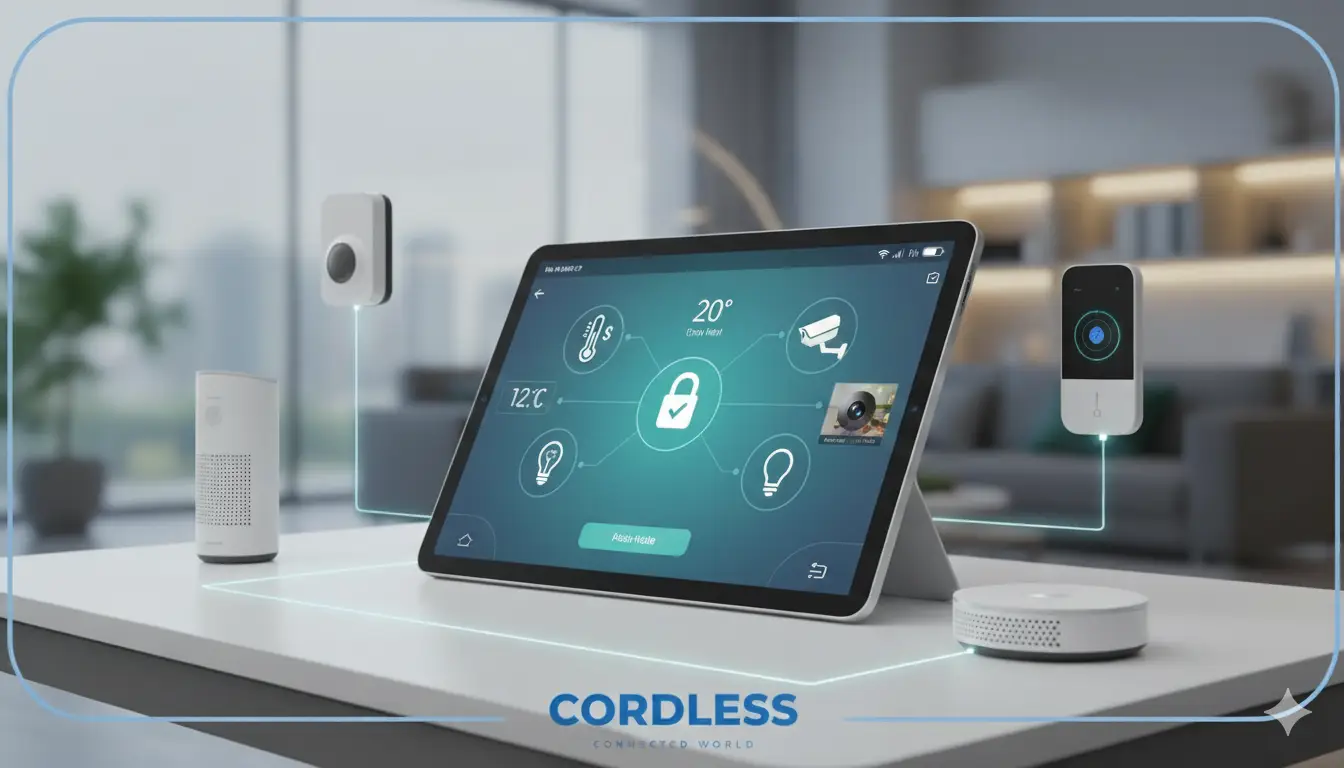
If you’re looking to automate my home but don’t know where to start, you’re not alone. Millions of homeowners are making the shift to smarter, more connected living — and for good reason. Home automation gives you control over your environment like never before, from lighting and shutters to locks and switches, all from your smartphone or voice assistant.
In this guide, we’ll walk you through everything you need to know about home automation requirements, how it works, what it costs, and how to get started the right way.
What Is Home Automation?
Home automation refers to the use of smart devices and connected systems to control and manage various functions in your home automatically or remotely. When you automate my home, you’re essentially giving your living space a digital brain — one that can respond to your schedule, preferences, and commands without requiring manual effort.
At its core, home automation connects everyday devices — lights, switches, door locks, window shutters, and more — to a centralized system or app. This lets you control them individually or set routines that run on their own.
Home automation is sometimes referred to as a “smart home system” or “building automation,” and it ranges from simple single-device setups (like a smart light bulb) to fully integrated systems where every corner of the home is interconnected.
The growing popularity of home automation is driven by three key forces: the desire for convenience, the need for energy efficiency, and the increasing affordability of smart devices.
How Home Automation Works
Understanding how home automation works helps you plan your setup more effectively. Here’s a breakdown of the core components:
- Smart Devices These are the physical products you install — smart wall switches, smart locks, motorized shutters, sensors, and more. Devices from Cord-Less are built to integrate seamlessly into your home without complicated wiring.
- Communication Protocols Smart devices need a way to “talk” to each other and to your control hub. The two most common protocols are:
- Wi-Fi – Easy to set up, works with most routers, ideal for standalone devices.
- Zigbee – Low energy, highly reliable for larger ecosystems with many devices connected together.
Cord-Less offers both Wi-Fi and Zigbee options across its product range, giving you full flexibility.
- A Control Hub or App This is the brain of your system. It could be a dedicated hub device, a smartphone app, or a voice assistant platform like Amazon Alexa or Google Home. Through this interface, you set schedules, create automations, and monitor your home remotely.
- Internet Connectivity Most smart home systems rely on your home’s internet connection to enable remote access and cloud features. However, many Zigbee-based systems can still operate locally without internet for basic functions.
- Automation Rules This is where the magic happens. You define “if/then” rules — for example: “If it’s 7:00 AM, open the shutters and turn on the lights.” These rules run automatically, so your home adapts to your lifestyle without any input from you.
Benefits of Home Automation
When you decide to automate my home, you unlock a wide range of practical and lifestyle benefits:
Convenience and Comfort Control every aspect of your home from a single app — no more walking room to room to turn off lights or adjust shutters. Set morning routines, evening scenes, and vacation modes with a few taps.
Energy Savings Smart automation significantly reduces wasted energy. Automated shutters adjust to sunlight to regulate temperature naturally. Smart switches ensure lights are never left on in empty rooms. Over time, these small savings add up to a meaningful reduction in your electricity bill.
Enhanced Security Smart locks and access control devices give you full visibility and control over who enters your home. Receive alerts when a door is opened, lock or unlock remotely, and review access logs — all from your phone. Explore Smart Locks and Smart Access solutions for this.
Increased Property Value Homes equipped with smart automation systems are increasingly valued higher in the real estate market. Buyers see smart features as desirable upgrades, especially in competitive markets.
Peace of Mind Whether you’re at work, traveling, or simply in another room, you can check on your home at any time. Automation gives you confidence that everything is running exactly as it should.
Accessibility for All For elderly family members or people with mobility challenges, home automation dramatically improves independence. Voice commands or app controls replace the need to physically operate switches or handles.
Types of Home Automation Systems
There’s no one-size-fits-all when it comes to smart home setups. Here are the main types to consider:
- Smart Lighting & Switches The most common entry point into home automation. Smart touch wall switches replace traditional switches and allow you to control lighting scenes, set schedules, and even dim lights — all without rewiring your entire electrical system. Available in Wi-Fi and Zigbee versions.
- Smart Shutters & Blinds Motorized shutters are one of the most impactful upgrades you can make. They protect your privacy, regulate natural light, and improve thermal insulation. Cord-Less offers a full range of Smart Shutters compatible with Wi-Fi and Zigbee protocols.
- Smart Locks & Access Control Replace traditional keys with digital access. Smart locks allow you to create temporary access codes, monitor entry/exit events, and lock/unlock doors remotely. Ideal for homes, offices, and rental properties. Check out the Smart Locks collection for options including Matter-compatible devices.
- Smart Sensors Motion sensors, door/window sensors, and temperature sensors feed data into your automation system to trigger actions. For example, a motion sensor can turn on hallway lights automatically when someone walks in.
- Voice & App Control Systems Platforms like Google Assistant, Amazon Alexa, and Apple HomeKit act as the central command layer. When your devices support these ecosystems, you can voice-control your entire home or manage everything from a single dashboard.
- Whole-Home Integrated Systems For those who want to go all-in, a full integration ties lighting, climate, access, and entertainment into a single cohesive system. This is typically the most expensive option but provides the most seamless experience.
How to Get Started With Home Automation
Ready to automate my home? Here’s a practical step-by-step approach:
Step 1: Define Your Goals What problem are you trying to solve? Energy savings? Security? Convenience? Starting with a clear goal helps you prioritize which devices to install first and prevents overspending on features you don’t need.
Step 2: Assess Your Home’s Infrastructure Check your Wi-Fi coverage and router capabilities. If you have a large home or plan to install many devices, a Zigbee hub may be more reliable than Wi-Fi alone. Also check your electrical wiring to ensure compatibility with smart switches.
Step 3: Choose a Communication Protocol Decide early whether you’ll build around Wi-Fi, Zigbee, or a hybrid. Cord-Less products are available in both protocols, making it easy to mix and match based on your needs. Browse the full shop to find the right fit.
Step 4: Start Small and Expand Don’t try to automate everything at once. Start with one or two high-impact areas — such as smart switches in the living room or a smart shutter in the bedroom — then expand from there as you get comfortable.
Step 5: Choose a Reliable Brand Not all smart home devices are created equal. Look for brands that offer local support, solid build quality, and long-term software updates. Cord-Less is a trusted provider in the region with products designed for real-world home environments.
Step 6: Set Up Automations and Scenes Once your devices are installed, explore the automation features in your chosen app. Create morning routines, bedtime scenes, and security automations. The more thoughtfully you design your rules, the more effortless your smart home experience becomes.
Home Automation Costs
One of the most common questions is: how much does it cost to automate my home? The answer depends on the scale and complexity of your setup, but here’s a general breakdown:
Entry-Level Setup (1–3 Rooms) Installing smart switches and one or two smart shutters typically costs between a few hundred to a few thousand Egyptian pounds, depending on brand and device count. This is a low-risk way to test the waters.
Mid-Range Setup (Full Apartment or Small Villa) A full apartment with smart lighting, shutters, and access control can range from moderate to significant investment. Products like the CL-03G Smart Touch Wall Switch 3-Gang and motorized shutters represent good value for complete room coverage.
Premium Whole-Home Automation For large villas or commercial properties requiring fully integrated systems, costs increase significantly. Cord-Less offers Corporate solutions for large-scale projects with custom pricing.
Ongoing Costs Unlike some smart home platforms that charge monthly fees, most hardware-based systems from Cord-Less have no recurring subscription costs. You pay for the hardware once, and the system runs as long as the devices are operational.
Ready to start your smart home journey? Explore the full range of smart home solutions at Cord-Less — from smart switches and motorized shutters to digital locks and access control systems. For corporate or large-scale projects, visit the Corporate page or contact the team directly.
FAQs
Can home automation work without internet?
protocol can communicate locally between devices through a hub without requiring an active internet connection. This means basic automations (like scheduled lighting or shutter control) will still run even if your router goes offline. However, remote access — controlling your home from outside via a smartphone app — does require internet. Features like voice assistant integration, cloud backups, and firmware updates also need connectivity. For maximum reliability, it's best to have a stable internet connection as the foundation of your smart home setup
How many devices can I connect to a home automation system?
Wi-Fi systems are limited by your router's capacity. Most modern routers support 30–50 devices comfortably, though performance can degrade with too many connections. Zigbee systems are designed for scale. A single Zigbee hub can typically support 50–100+ devices, and the mesh network architecture means adding more devices actually strengthens the signal. For most homes, even large ones, there is no practical limit to how many rooms or devices you can automate. Cord-Less offers Smart Home products in both protocols to suit setups of any size.