


Smart Lock Not Working? 8 Common Problems and Proven Fixes in Egypt

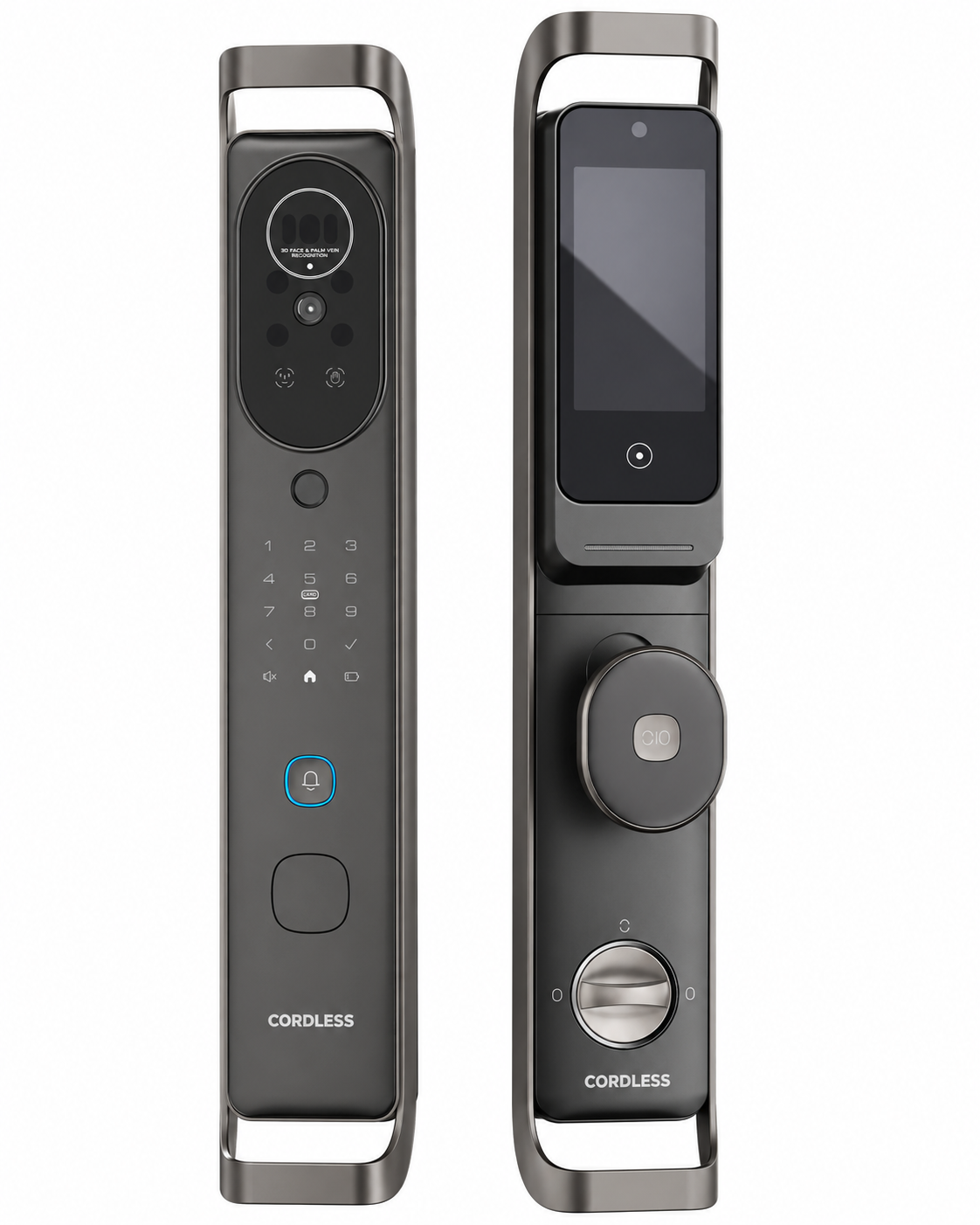
A smart lock not working is stressful, especially when you are standing outside your own front door. The good news is that most problems have simple causes: a weak battery, a dirty fingerprint sensor, a WiFi change or a door that is slightly out of line. This guide walks through the eight most common smart lock problems we see from customers in Egypt, what causes each one, and how to fix it in a few minutes, plus the signs that mean it is time to call a technician.
Last updated: November 14, 2026 · By the Cordless smart lock support team, Egypt
Quick answer: When a smart lock is not working, the cause is usually one of three things: low or dead batteries, a sensor that needs cleaning or re-enrolment, or a lost WiFi connection. Start by checking the battery, then clean the fingerprint sensor or camera, then check the app connection. If the door is locked and the lock is completely dead, open it with the mechanical emergency key or the emergency power port.
Key takeaways:
- About half of smart lock problems are battery related, so always check power first.
- Never reset a lock to factory settings before you know the cause; you will lose every registered user.
- Keep the mechanical key somewhere you can reach from outside the house.
8 Common Reasons a Smart Lock Is Not Working (and How to Fix Each)
| Symptom | Most likely cause | Quick fix |
|---|---|---|
| Lock is completely dead | Dead batteries | Emergency key or power port, then new batteries |
| Fingerprint rejected | Dirty sensor or poor enrolment | Clean sensor, re-register finger |
| Face not recognised | Lighting, glasses or mask | Remove obstruction, re-enrol face |
| Keypad does not respond | Lock-out after wrong codes or low power | Wait, then check batteries |
| Offline in the app | WiFi changed or weak signal | Fix 2.4 GHz signal, re-pair in Tuya |
| Door does not lock fully | Latch out of line with the strike plate | Adjust alignment or call installer |
| Constant beeping | Low battery, wrong attempts or door ajar | Read the alert, fix the cause |
| Card does not open | Card not registered or held too far | Hold flat on the reader, re-register |
1. Smart lock is completely dead: check the batteries
A lock that shows no light, makes no sound and ignores every input has almost always run out of power. Open the door with the mechanical emergency key, or connect a power bank to the emergency power port if your model has one, then replace or recharge the batteries. Most locks warn you days in advance, so do not ignore the low-battery alert. Our guide to smart lock battery life explains how to make each charge last longer.
2. Fingerprint not recognised
The fingerprint sensor reads the fine ridges of your skin (see fingerprint). Dust, oil, wet hands or very dry skin in winter all reduce accuracy. Wipe the sensor with a dry soft cloth, dry your hands and press the full pad of the finger flat. If it still fails often, delete that fingerprint and enrol it again, pressing several times at slightly different angles. Register at least two fingers per person.
3. Face recognition fails
Strong sunlight directly behind you, sunglasses, a mask or a heavy scarf can stop face recognition. Stand in front of the camera at a normal distance and remove anything that covers your face. 3D face recognition models work in low light, but they still need a clear view. If your appearance has changed a lot, re-enrol your face from the admin menu.
4. Keypad does not respond or the code is refused
After several wrong codes, most smart locks block the keypad for a few minutes as a security measure. Wait, then try again slowly. If the keypad does not light up at all, it is usually a battery problem. If a family member’s code no longer works, check in the app that the code was not set as temporary with an end date.
5. Lock is offline in the app
This is the most common problem with WiFi locks. It usually happens after you change the router, the WiFi name or the password. Most Tuya-based locks connect only on the 2.4 GHz band and need a reasonable signal at the front door. Fix the signal first, then remove and re-add the lock in the app. Our Tuya smart lock setup guide and our guide to the WiFi smart lock explain the steps. Remember that face, fingerprint, PIN, card and key keep working while the lock is offline.
6. Door does not lock fully
If the bolt hits the frame, the door needs pushing to lock, or the app shows a half-locked warning, the latch is no longer aligned with the strike plate. Doors in Egypt often shift with heat and humidity. A small adjustment of the strike plate usually solves it; if not, ask your installer to realign the lock. Read what a correct fit looks like in our smart lock installation guide.
7. Lock keeps beeping or sounding an alarm
Beeps are messages, not faults. Common reasons are low battery, several wrong attempts, a door left open, or a tamper alert when someone tries to force the lock. Check the alert in the app or the lock screen and fix the cause rather than silencing it. Models such as CL-S16 list anti-pry, wrong-attempt, half-locked door and low-battery alarms among their security alerts.
8. Card does not open the door
Hold the card flat on the reader area for a second instead of swiping it. If one card fails and others work, the card may not be registered or may be damaged; delete it and register it again.
When Should You Call a Technician?
Call your installer or Cordless support when the lock does not respond even with new batteries, the motor makes a grinding sound, the handle is loose, the bolt is physically stuck, or the lock shows a hardware error. Do not open the lock body yourself; it can damage the electronics and void the warranty.
How to Prevent Smart Lock Problems
- Replace or recharge batteries as soon as the first low-battery warning appears.
- Clean the fingerprint sensor and camera lens every few weeks.
- Register two fingers and a backup PIN for every regular user.
- Keep the emergency key outside the house, with a trusted neighbour or in your car.
- Keep the app and lock firmware updated, and remove users who no longer need access. Read is a smart lock safe for more security tips.
Smart Lock Not Working FAQ
Why is my smart lock not working after replacing the batteries?
Check that every battery faces the right way, that they are all new and of the same type, and that the battery cover is fully closed. If the lock still does not wake up, contact the installer, because a loose connector or a lock-out from too many wrong attempts can look like a dead lock.
How do I open a smart lock with a dead battery?
Use the mechanical emergency key, or connect a power bank to the emergency power port if your model has one (CL-S16 has a Type-C emergency port). Once inside, replace or recharge the batteries.
Why does my smart lock not recognise my fingerprint?
The usual causes are a dirty sensor, wet or very dry fingers, or a poor first enrolment. Clean the sensor with a dry cloth, try another enrolled finger, and re-register the finger by pressing it several times at slightly different angles.
Why does my smart lock keep going offline in the app?
Most Tuya-based WiFi locks need a 2.4 GHz network and a good signal at the door. A new router, a changed WiFi password or weak signal will drop the lock offline. Fix the signal, then re-pair the lock in the Tuya Smart app.
Is it normal for a smart lock to beep or sound an alarm?
Yes. Beeps usually mean low battery, several wrong attempts, a door that is not fully closed, or a tamper alert. Read the alert in the app or the manual before resetting anything.
Compare every Cordless model and its listed price on our smart door lock price in Egypt page.
Get Help From Cordless
If your smart lock is not working after these steps, contact the Cordless team in Egypt for support or a technician visit. If you are choosing a new lock, browse the full range in the Cordless shop.